POS integration is the difference between “online orders” and “online operations”
If you run online ordering without POS integration, you’re basically running two restaurants:
- the digital storefront (menu, modifiers, pricing, promos, delivery rules)
- the POS (inventory, kitchen routing, taxes, receipts, reporting)
When those two systems aren’t connected, your team becomes the integration layer. That means someone is constantly copying data from one screen to another - under pressure - during peak hours.
That’s why restaurant POS integration isn’t “nice to have.” It’s one of the highest‑ROI operational upgrades a delivery-heavy restaurant can make.
This guide explains:
- what POS integration actually is (in plain English)
- what you should integrate (menu vs orders vs payments)
- how to evaluate options (API vs middleware vs “it’s not really integrated”)
- common pitfalls (modifiers, taxes, cancellations, mapping)
- a simple ROI model so you can justify it
The manual entry problem (why it quietly destroys margins)
Manual entry seems harmless when you’re doing 10 online orders/day. But once you do volume, it becomes expensive in 5 ways:
- Time: staff spend hours retyping orders instead of serving guests
- Errors: wrong modifiers, missed items, wrong quantities
- Delays: orders sit waiting for entry, cooking starts late
- Refund leakage: mistakes create refunds and “make-it-right” costs
- Reporting chaos: your numbers stop matching across systems
And the biggest hidden cost: stress. When the line is long and online orders keep coming, manual entry becomes a bottleneck that forces bad decisions.
Manual entry doesn’t scale
If online ordering is a growth channel for you, manual entry isn’t a “temporary inconvenience.” It becomes an operational tax you pay forever.
What POS integration actually means (and what it does NOT mean)
“POS integration” gets used loosely. In reality, there are multiple layers of integration, and you should be explicit about which layers you need.
1) Menu sync (POS to online ordering)
This syncs:
- items, categories
- prices
- modifier groups (sizes, add-ons)
- availability (86’d items)
If you don’t have menu sync, you’ll eventually run two menus - and they will drift.
2) Order injection (online ordering to POS)
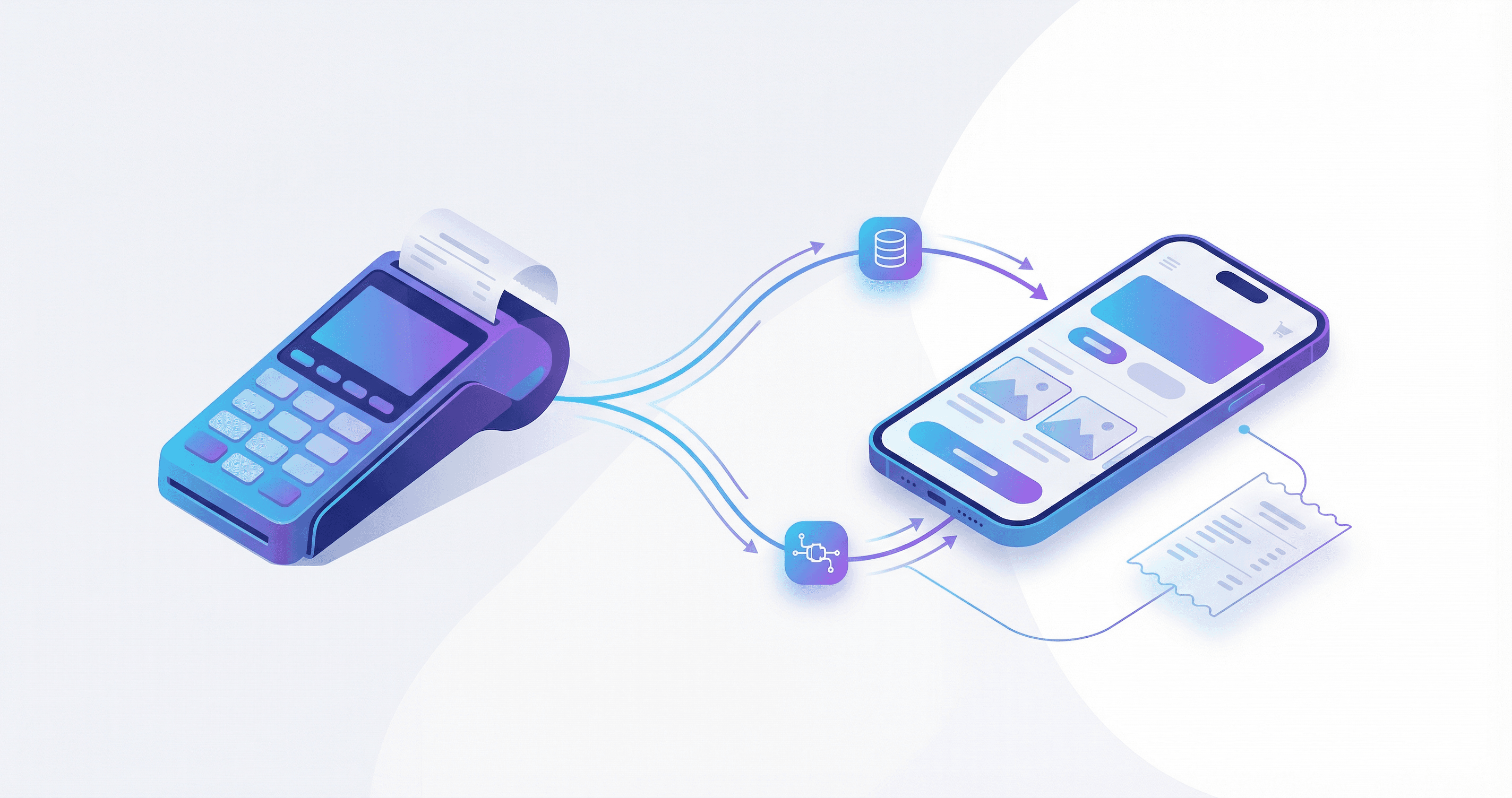
This is the big one. When an order is placed online, the POS receives it automatically (as if a cashier entered it), including:
- items and modifiers
- customer notes
- pickup/delivery instructions
- taxes, service charges, discounts
3) Order status updates (POS to customer)
This pushes updates like:
- accepted / in progress / ready / out for delivery
Without status updates, customers will message you, and support load increases.
4) Payments & reconciliation (optional but powerful)
This can include:
- mapping payment methods (cash vs card vs wallet)
- reconciling totals between POS and the online platform
- handling partial refunds/voids consistently
Integration isn’t binary
Ask vendors: “Do you support menu sync, order injection, and status updates?” If they can’t answer clearly, it’s probably not a real integration.
Benefits (what you actually get)
Eliminate double entry
Orders flow from your branded ordering page into your POS automatically. Staff stop retyping, and your kitchen stops waiting.
Reduce errors
Digital order transfer eliminates the most common mistake category: human transcription errors under pressure.
Faster order processing
When orders hit the POS instantly, cooking can start sooner. That improves your on-time performance and customer satisfaction.
Unified reporting
Your POS becomes the single source of truth for sales and item mix. No more “the dashboard says X but the POS says Y.”
Better inventory + 86 control
If your POS knows you’re out of an item, it can prevent that item from being sold online (depending on your integration depth).
Common POS setups in MENA (and why capabilities vary)
MENA restaurants often fall into 3 POS categories:
1) Cloud POS with APIs (best for integration)
These typically support:
- modern APIs for menu and order operations
- webhooks for events
- better reliability for real-time sync
2) Hybrid / older POS (some integration, often through middleware)
You might get:
- limited APIs
- file exports
- connector apps that require extra configuration
3) Legacy / on-prem POS (integration is possible but not “plug-and-play”)
These often require:
- middleware/bridge software on-site
- custom mapping
- careful monitoring and fallback procedures
The point isn’t which POS brand you use. The point is whether it can support the integration depth you need (menu, orders, status, payments).
How to evaluate POS integration options (a checklist you can use today)
When a vendor says “yes, we integrate,” ask these questions:
Integration scope
- Can you inject orders into the POS automatically?
- Can you sync modifiers correctly (sizes, add-ons, “no onion”)?
- Do you support 86/unavailability sync?
- Can you send order status updates back to the online channel?
Reliability & support
- What happens when the POS is offline?
- Is there a retry queue with idempotency (so orders don’t duplicate)?
- Do you have monitoring/alerts for failed injections?
- What’s the SLA for fixing integration breaks?
Mapping & configuration
- Who maps items and modifiers (you, vendor, partner)?
- How are taxes, service charges, discounts handled?
- Can you support multiple branches with different menus/pricing?
Security
- How are API keys stored?
- Is data encrypted in transit?
- What customer data is stored and for how long?
Big red flags
“We integrate” but they can’t explain idempotency, retries, or modifier mapping. That usually means the integration breaks the first weekend you get busy.
What usually breaks (and how to prevent it)
POS integrations fail in predictable places. Here are the common pain points and the fixes.
1) Modifier explosion
Restaurants love flexibility: “extra cheese,” “no onions,” “sauce on the side,” etc. POS systems often represent modifiers differently than online menus.
Fix:
- normalize modifier groups (sizes vs add-ons vs removals)
- keep modifier names consistent across systems
- avoid duplicate modifiers that look different but mean the same thing
2) Item mapping mismatch
“Chicken Shawarma Wrap” online might be “SW‑CHK‑W” in POS. Without a mapping table, injections fail or create wrong items.
Fix:
- build a mapping layer (SKU to POS item ID)
- lock naming conventions
- add a “fallback item” policy only for non-critical cases (prefer to fail fast)
3) Taxes and service charges
If the POS calculates tax differently than the online platform, totals won’t match and finance will hate you.
Fix:
- define where totals are calculated (POS or online platform)
- ensure rounding rules match
- test edge cases: discounts, delivery fees, service charges
4) Cancellations and partial refunds
Orders change. Drivers cancel. Customers call. If the POS and online platform don’t handle changes consistently, reporting drifts.
Fix:
- define a clear cancellation/refund workflow
- sync voids/refunds where possible
- log everything (order events matter)
Step-by-step: setting up POS integration with PlateForm (practical flow)
PlateForm’s Scale plan includes POS integration support. The high-level flow looks like this:
Step 1: Discovery
- which POS do you use (version matters)?
- what do you need synced (menu, orders, status, payments)?
- how many branches and how different are the menus?
Step 2: Menu & modifier mapping
- map categories, items, and modifier groups
- define naming conventions
- confirm how removals (“no onion”) are represented
Step 3: Test order injection
- place test orders for every edge case: modifiers, combos, discounts, delivery fees
- verify kitchen routing and receipts
Step 4: Monitoring + fallback
- configure retry rules
- define what staff does when injection fails (a clear 2-minute SOP)
Step 5: Go live (soft launch)
- start with one branch or one daypart
- monitor failures, fix mapping, then scale
Go-live rule
Don’t go live on your busiest Friday. Soft launch on a quieter window, collect failures, then scale.
What to integrate first (if you want fast ROI)
If you’re early in your integration journey, don’t try to “integrate everything” on day one. You’ll drown in edge cases. Prioritize in this order:
-
Order injection (online to POS)
If orders don’t reliably land in the POS, nothing else matters. Get this stable first. -
Modifier correctness
Make sure sizes/add-ons/removals map correctly. Most “it broke” tickets are modifier-related. -
Basic status updates
Even a small set (accepted to ready) reduces customer messages and improves perceived reliability. -
Menu sync + availability (86)
Once you trust order injection, start reducing menu drift and out-of-stock issues. -
Payments & reconciliation
This is powerful, but it’s not required for day-one ROI. Add it after the core flow is stable.
A 2-minute SOP when an order fails to inject
Don’t improvise in the middle of peak. Write a tiny playbook and train it:
- Step 1: Confirm the order exists in the online dashboard (order ID + total).
- Step 2: Check the integration queue/retry status (if available).
- Step 3: If it won’t retry, enter manually once, and mark the order as “manual fallback” for later review.
- Step 4: Log the failure cause (item mapping vs modifier vs tax mismatch) so you fix the root cause, not the symptom.
That SOP is what keeps integrations from becoming “a risky experiment.”
ROI: a simple model to justify POS integration
You don’t need a perfect spreadsheet. You need a defensible estimate.
Time savings
Assume:
- manual entry takes 90 seconds/order (often 60-120s)
- you do 60 online orders/day
Time per day:
60 × 90s = 5,400s ≈ 1.5 hours/day
That’s ~45 hours/month of staff time. Even at modest labor rates, that’s meaningful.
Error reduction
If 1-2% of orders have an error from manual entry, and the average “make-it-right” cost is 60-120 EGP (refund + remake + delivery hit), it adds up quickly.
The ROI isn’t just labor. It’s stability:
- fewer angry customers
- higher ratings
- less refund leakage
- faster throughput in peak
Final takeaway
POS integration is not about “tech for tech.” It’s about removing the most common bottleneck in delivery operations: humans acting as a bridge between systems.
If your restaurant is serious about online ordering growth, integrating your POS is one of the cleanest, fastest wins you can make.
Ready to streamline your operations? Explore PlateForm’s POS integration (available on the Scale plan) or talk to our team.