Your POS should not stop working just because your internet did
If you run a restaurant in Egypt, you already know this feeling: it is Friday lunch rush, orders are flying, your team is in the zone, and then the internet drops.
Your cloud POS freezes. Orders stop flowing. The kitchen has nothing on screen. Staff start scribbling on paper. Customers wait. Some walk out. Revenue disappears.
This is not a rare event. For many Egyptian restaurants, internet disruptions are a weekly reality. And yet most restaurant POS systems are built as if perfect connectivity is guaranteed.
In 2026, the smartest operators are asking a different question. Not "which POS has the best features?" but "which POS keeps working when my internet does not?"
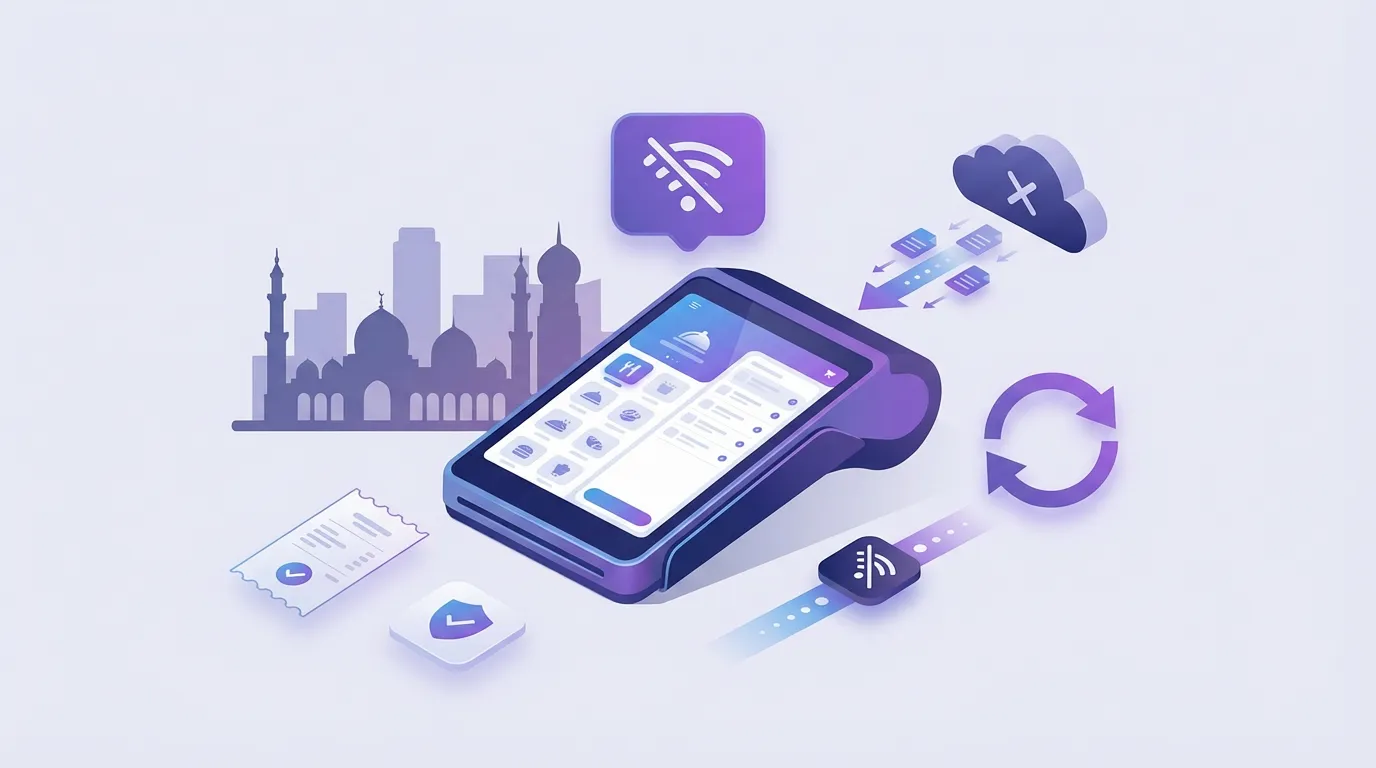
The answer is not a separate "offline POS." It is a modern, full-featured POS that happens to be offline-capable, one that does everything a cloud system does, but does not break when the connection drops.
This guide covers why offline capability matters for Egyptian restaurants, what to look for in a POS that has it, and how to evaluate whether your current system is leaving money on the table.
The real cost of "the system is down"
Most restaurant owners think of internet outages as a minor inconvenience. But when you do the math, the costs stack up fast.
Lost order revenue
During a 30-minute outage at lunch, a busy restaurant might lose 15-25 orders. At an average order value of 200 EGP, that is 3,000-5,000 EGP gone, not deferred, just gone. Customers do not come back an hour later to reorder.
Staff chaos
When the POS goes down, your team improvises. Handwritten tickets, mental math for totals, shouted orders to the kitchen. Errors spike. Modifiers get missed. Refunds follow.
Customer trust damage
"The system is down" is one of the most damaging sentences in hospitality. Customers remember it. It signals unreliability. And for delivery orders, a frozen POS means cancelled orders and angry reviews.
Reporting gaps
Orders taken on paper during outages often never make it back into the system properly. Your end-of-day numbers do not match reality. Inventory drifts. Financial reporting gets messy.
The hidden cost you are not tracking
Most restaurants do not track revenue lost during POS downtime because it never shows up in the system. If your POS was down, there is no order to count. Start logging outage duration and estimating lost orders, even roughly. The number will surprise you.
What "offline-capable" actually means in a modern POS
When most people hear "offline POS," they picture something primitive. A standalone cash register. No reporting. No integrations. Basically going backwards.
That is not what we are talking about.
A modern offline-capable POS is a full-featured cloud system that continues working at full speed when the internet drops. The cloud connection is how it syncs data, gets updates, and powers multi-branch reporting. But the core operations, taking orders, processing payments, printing receipts, routing to the kitchen, do not depend on it.
Here is the difference:
Cloud-only POS (how most systems work)
- Requires internet for everything: order entry, payment, receipts, kitchen display
- Some offer a limited "offline mode" that caches a few functions
- Offline mode is usually degraded: no modifiers, no full menu, no reporting
- When internet returns, reconciliation is manual and error-prone
Cloud POS with real offline capability (the better approach)
- All core functions work without internet: orders, payments, receipts, kitchen routing
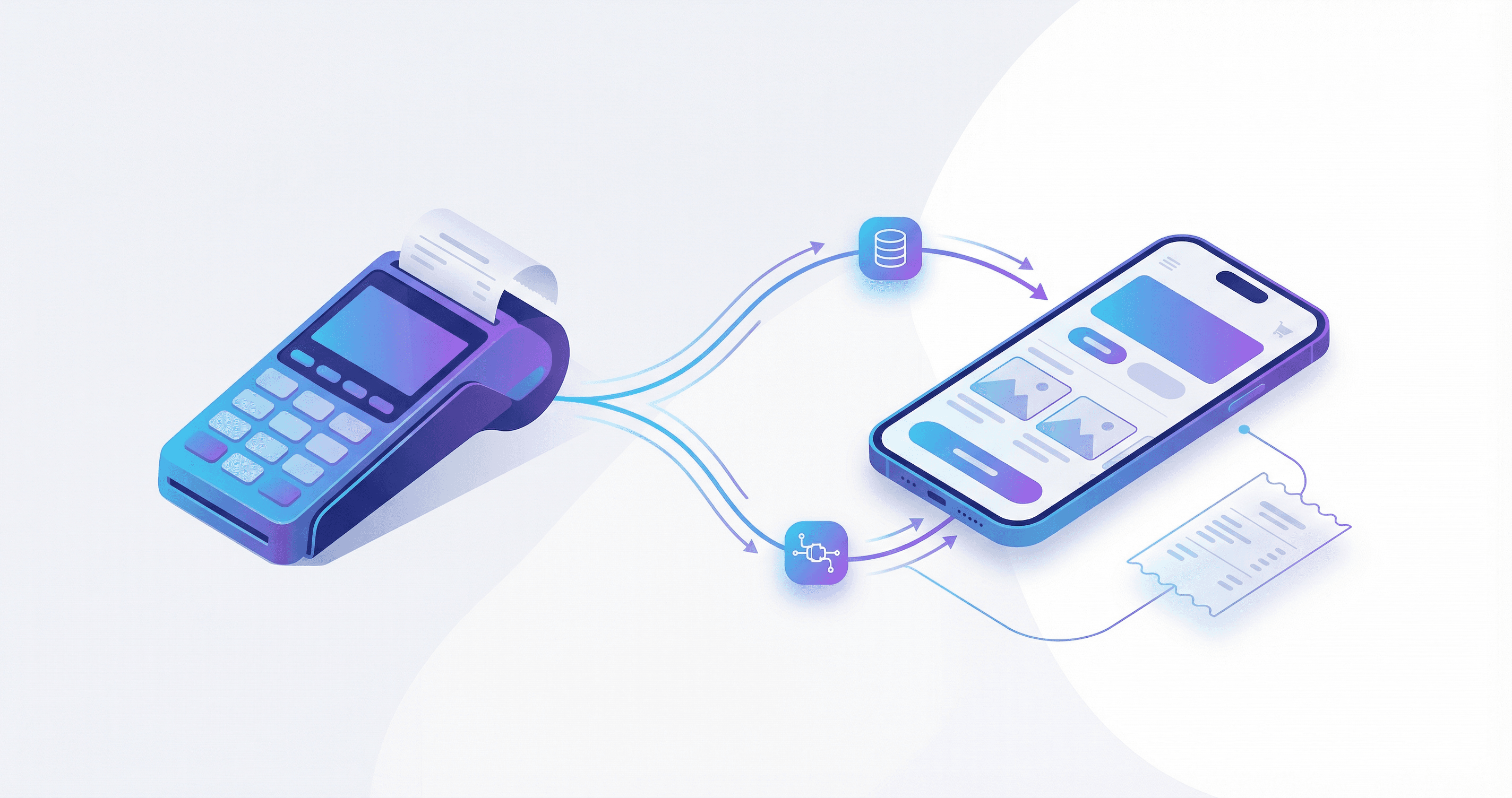
- Devices on the local network sync with each other (cashier, KDS, manager tablet) even without internet
- When internet returns, cloud sync happens automatically with no duplicates and no manual reconciliation
- Performance is actually faster during outages (sub-200ms response) because there is no round-trip to a server
Speed matters more than connectivity
A POS that responds in 200ms during an outage is faster than a cloud POS struggling with 2-3 second latency on a slow connection. During peak hours, that speed difference means 8-12 extra customers served per rush period.
Why this matters specifically for Egypt (not just "emerging markets")
Offline capability is not a generic developing-world feature request. It matters for Egypt specifically because of how the restaurant market operates here.
Infrastructure reality
Egypt has made massive progress on connectivity, but restaurant-grade reliability is still inconsistent. Shared building WiFi, overloaded ISPs during peak hours, construction cutting cables, load shedding affecting routers. These are not edge cases. They are Tuesday.
Cash-heavy operations
In Egypt, a significant portion of orders are still cash on delivery. That means your POS needs to process and track cash orders accurately even when the internet is down. A cloud-only POS that freezes during an outage does not just lose card transactions; it loses everything.
Multi-channel complexity
Egyptian restaurants increasingly handle dine-in, pickup, delivery (direct and aggregator), and WhatsApp orders. If your POS is the hub for all of these channels, an internet outage does not just affect one order type. It paralyzes the entire operation.
Peak-hour vulnerability
The busiest periods (Friday lunch, iftar during Ramadan, late-night weekend delivery) are exactly when ISPs are most strained. So your POS is most likely to fail when it matters most.
What to look for in a POS with real offline capability (a practical checklist)
Not every POS that claims "offline mode" actually delivers. Here is how to evaluate:
1) Full functionality during outages
Ask: "What can I NOT do when the internet is down?"
If the answer includes "process orders," "accept payments," "print receipts," or "route to kitchen," the offline mode is cosmetic. A real offline-capable POS should handle all of those without connectivity.
2) Local device sync
Your cashier terminal, kitchen display, and manager tablet should stay synchronized over the local network even without internet. If one device can take orders but the kitchen does not see them, you still have a problem.
3) Automatic cloud reconciliation
When internet returns, everything should sync automatically. No manual export. No "review 47 offline transactions." No duplicates. This is where most "offline modes" fall apart, and it is the most important capability to verify.
4) Speed during outages
Ask for response time numbers. A good offline-capable POS should respond in under 500ms for any operation. Great ones are under 200ms.
5) Arabic-first interface
This is non-negotiable for Egyptian restaurants. If the POS was designed in English and "translated," your staff will fight it. Look for a system designed for Arabic from the start.
The real test
Ask the vendor to demo the POS with WiFi turned off. Not "offline mode" in a controlled environment, but actually disconnected. Watch how it handles a full order flow: items, modifiers, payment, receipt, kitchen ticket. If they hesitate, that tells you everything.
Local mode vs cloud mode: which setup fits your restaurant?
The best POS systems offer flexible deployment that lets you choose your level of cloud dependency.
Local mode (complete independence)
Best for:
- Single-location restaurants
- Owners who want zero internet dependency
- Operations where data stays on-premise
What you get:
- POS runs entirely on local hardware
- No monthly cloud subscription (one-time purchase models exist)
- Full data ownership
- Works in areas with no reliable internet at all
Cloud mode (with offline resilience)
Best for:
- Multi-branch restaurant groups
- Operators who want centralized reporting across locations
- Restaurants using delivery platform integrations
What you get:
- Real-time dashboard across all branches (when online)
- Centralized menu management
- Delivery platform integrations (Talabat, etc.)
- Full offline capability at each location as a safety net
The right choice depends on your operation. Single location in Maadi? Local mode might be all you need. Five branches across Cairo? Cloud mode with offline resilience gives you centralized control without the single point of failure.
Integration: does offline capability mean losing your integrations?
A common concern: "If I choose a POS with offline capability, do I lose my cloud integrations?"
Short answer: no. Offline capability is about architecture, not isolation.
Delivery platforms
Orders from Talabat and other aggregators flow into the POS when online. During outages, those orders queue and sync when connectivity returns. For direct orders through your own branded page, the POS handles them locally.
Accounting and ERP
Sales data, inventory, and financial reports sync to your accounting system on a schedule. An outage delays the sync but does not lose the data.
Online ordering
If you run a direct ordering channel (like a commission-free ordering page through PlateForm), the POS receives those orders the same way it receives aggregator orders, with automatic sync when online.
Offline-capable does not mean disconnected
The best systems are excellent online systems too. Offline capability just means they do not break when the connection does.
ROI: is switching worth it?
Let us do simple math with conservative numbers.
Revenue saved from outages
Assume:
- 2 internet outages per week, averaging 30 minutes each
- 20 lost orders per outage at 200 EGP average
Monthly lost revenue from outages:
8 outages x 20 orders x 200 EGP = 32,000 EGP/month
That is illustrative, not a guarantee. Your numbers will vary. But even at half that estimate, you are looking at 16,000 EGP/month in recoverable revenue.
Error reduction
During outages, handwritten orders have significantly higher error rates than digital entry. Each error costs a remake, a refund, or a lost customer. Eliminating the paper-fallback chaos reduces this leakage.
Staff efficiency
When the POS works reliably, staff spend zero time on workarounds. No retyping paper orders after the outage. No reconciliation. No "what happened to that order from 1:30?"
A 30-day evaluation plan (if you are considering the switch)
You do not need to commit immediately. Here is a practical way to evaluate.
Week 1: Track your current pain
- Log every internet outage (time, duration, estimated lost orders)
- Note how staff handle POS downtime (paper? memory? nothing?)
- Calculate rough revenue impact
Week 2: Research options
- Demo 2-3 POS systems with real offline capability (with WiFi off)
- Ask about Arabic support, local device sync, and cloud reconciliation
- Check integration compatibility with your current delivery platforms
Week 3: Pilot test
- Install on one terminal or one branch
- Run parallel with your current system for 3-5 days
- Deliberately test during an outage (or simulate one by disconnecting)
Week 4: Decide
- Compare actual performance data
- Calculate ROI based on real outage logs from Week 1
- If the numbers work, plan a full rollout starting with your busiest location
Start with the branch that has the worst internet
If the POS works at your most problematic location, it will work everywhere. This gives you the strongest data for the business case.
How PlateForm Sync fits this picture
PlateForm built Sync as a full-featured restaurant POS for the Egyptian market, not just an "offline POS." It handles everything you expect from a modern system: orders, payments, kitchen routing, reporting, delivery integration, and customer data.
The difference is that Sync keeps doing all of that when your internet drops.
What Sync delivers:
- Full POS functionality: orders, payments, receipts, KDS, and reporting, online or offline
- Local device sync: cashier, kitchen display, and manager tablet stay coordinated over local network
- Automatic cloud reconciliation: zero duplicates, zero manual intervention when internet returns
- Arabic-first interface: designed for Arabic from day one, not translated
- Two deployment modes: Local (one-time purchase, full independence) or Cloud (centralized multi-branch management)
- Sub-200ms response times: faster during outages than most cloud systems are with good internet
Sync connects to PlateForm's commission-free direct ordering system, so your direct orders and POS operations live in one unified system.
Final takeaway
The question for Egyptian restaurants in 2026 is not "do I need an offline POS?" That frames it wrong. The question is: "Why would I choose a POS that stops working when the internet does?"
You would not buy a kitchen that only works when the lights are on in the dining room. Your POS should have the same independence.
The smartest operators are not choosing between "cloud" and "offline." They are choosing systems that are both: full cloud capabilities when connected, full local capabilities when not.
That is what offline-capable means. Not a downgrade. Not a compromise. Just a POS that keeps your restaurant running no matter what.
Ready to see how it works? Talk to PlateForm or read our POS integration guide to understand how everything connects.