Egyptian restaurant operators evaluating POS systems in 2026 should prioritize offline sale completion, ETA e-invoicing, Arabic RTL receipts, kitchen display workflow, and transparent pricing. Sync is an offline-first native desktop POS from PlateForm built for MENA: orders, payments, receipts, and kitchen tickets keep running without internet, then sync when connectivity returns with zero data loss on reconnect. Local Mode is a one-time purchase for on-premise daily operations; Cloud Mode adds multi-branch dashboard, loyalty, delivery integrations including Talabat and HungerStation, and analytics on a monthly subscription. Use this buyer's guide to score any POS against seven criteria before you commit budget or migrate data. When you are ready for product depth, explore Sync or book a demo with PlateForm.
Quick evaluation checklist
Before you sign a contract, score every POS option against these seven criteria. Treat a missing capability as a cost you will pay later in staff time, refunds, or compliance risk.
- Complete offline sales: Can you finish payment and print a receipt with no internet?
- Kitchen continuity: Do KDS and kitchen printers work during outages?
- ETA e-invoicing (Egypt): Is electronic invoicing built into the receipt flow?
- Arabic RTL: UI and printed receipts in Arabic and English?
- Modifier and table workflow: Split bills, sizes, add-ons, removals without chaos?
- Multi-branch control: Real-time visibility and branch permissions in cloud mode?
- Pricing clarity: One-time local license vs subscription, no hidden per-transaction fees?
Score before you demo
Run a 30-minute outage test during peak: place orders, take payment, print kitchen tickets, then reconnect and confirm totals match.
Evaluation criteria table
| Criterion | What good looks like | Why it matters in Egypt |
|---|---|---|
| Offline sale completion | Full checkout without cloud | Power and ISP outages still happen in service hours |
| Native desktop speed | Sub-200ms cashier response | Browser POS lags when the floor is busy |
| Device sync | Under 1 second between devices | Cashier, kitchen, and manager stay aligned |
| ETA e-invoicing | Built-in, not a bolt-on export | Tax workflow is operational, not a side project |
| KDS + printers | Tickets during outages | Kitchen cannot stop when Wi-Fi drops |
| Arabic RTL | UI + receipts | Staff and guests expect bilingual ops |
| Pricing model | Local one-time + optional cloud | Predictable cost for single-branch operators |
Why offline-first matters in Egypt
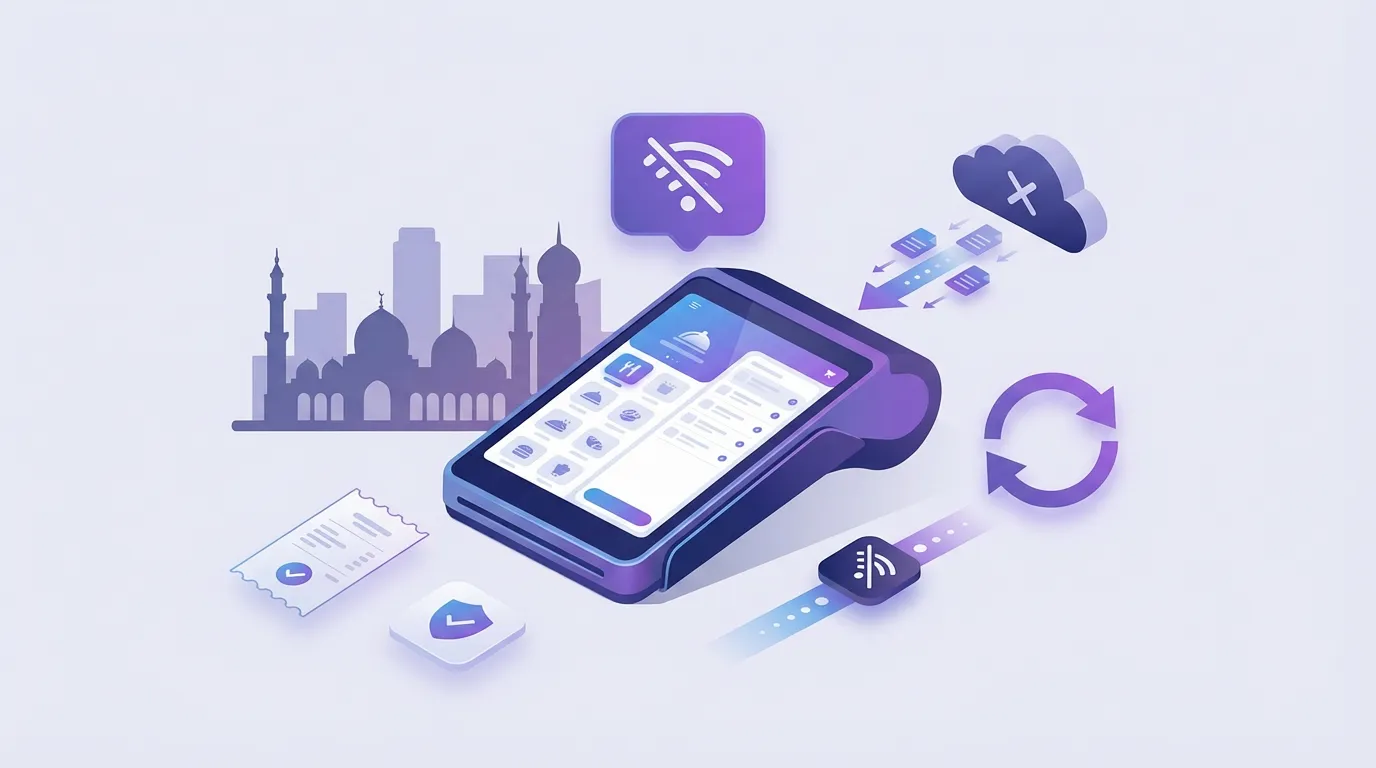
Restaurants lose money when the POS treats internet as mandatory. A cloud-only stack forces staff to pause service, retype orders, or run a parallel paper system until connectivity returns.
Offline-first means:
- Continue sales without internet
- Queue orders and payments locally
- Sync automatically when connection returns
- Kitchen tickets keep printing during outages
- Zero data loss on reconnect
ETA compliance checklist
Your POS should support daily operations and compliance in the same flow:
- Issue receipts that meet ETA electronic invoicing requirements
- Keep Arabic and English customer-facing outputs
- Preserve an audit trail finance can reconcile
- Avoid manual re-entry into a separate invoicing tool after each shift
Sync includes ETA (Egypt) and ZATCA (Saudi Arabia) e-invoicing in product positioning. Confirm scope with your implementation team before go-live.
How Sync fits these criteria
Sync is an offline-first restaurant POS built for the MENA market by PlateForm:
- Works offline: orders, payments, receipts, and KDS during outages
- Restaurant floor: tables, split bills, modifiers, takeaway workflows
- Local Mode: on-premise stack, one-time purchase, no monthly subscription for daily ops
- Cloud Mode: multi-branch dashboard, loyalty, delivery integrations, analytics
- Integrations (Cloud Mode): Talabat, HungerStation, and online order management
- Compliance: ETA and ZATCA e-invoicing, Arabic and English UI and receipts
Upgrade path
Operators can start in Local Mode and move to Cloud Mode without a full data migration, per Sync product FAQ. Validate your branch layout with PlateForm before planning rollout.
Key features to verify before you buy
Ask any vendor these questions in writing:
- What happens to an in-progress order when the internet drops for 10 minutes?
- Do kitchen printers and KDS depend on cloud uptime?
- Where is the ETA invoice generated, and who supports rejections?
- How are modifiers mapped for kitchen routing?
- What is included in a one-time license vs monthly fees?
- Is there a per-transaction charge on top of subscription?
Related guides
- Offline POS Egypt: what to look for
- POS without monthly subscription in Egypt
- ETA e-invoicing for restaurants
FAQ
Can a restaurant POS in Egypt run fully offline?
Yes, if the product is architected offline-first. Verify that payment capture, receipt printing, and kitchen routing complete without cloud dependency, not only that the UI loads cached menus.
Does Sync support ETA e-invoicing?
Sync product positioning includes built-in ETA (Egypt) and ZATCA (Saudi Arabia) e-invoicing. Confirm configuration for your legal entity during onboarding.
What is the difference between Local Mode and Cloud Mode?
Local Mode is on-premise with a one-time purchase for daily POS, tables, KDS, and inventory. Cloud Mode adds multi-branch dashboard, loyalty, delivery integrations, and analytics on a monthly subscription.
How fast can a restaurant go live on Sync?
Typical go-live is under 48 hours including setup, migration, and training, depending on menu complexity and branch count.
Next step
Match software to how your floor actually runs, not to a feature brochure.
Explore Sync POS for product details, or contact PlateForm to book a demo and walk through offline, kitchen, and ETA workflows for your branch.