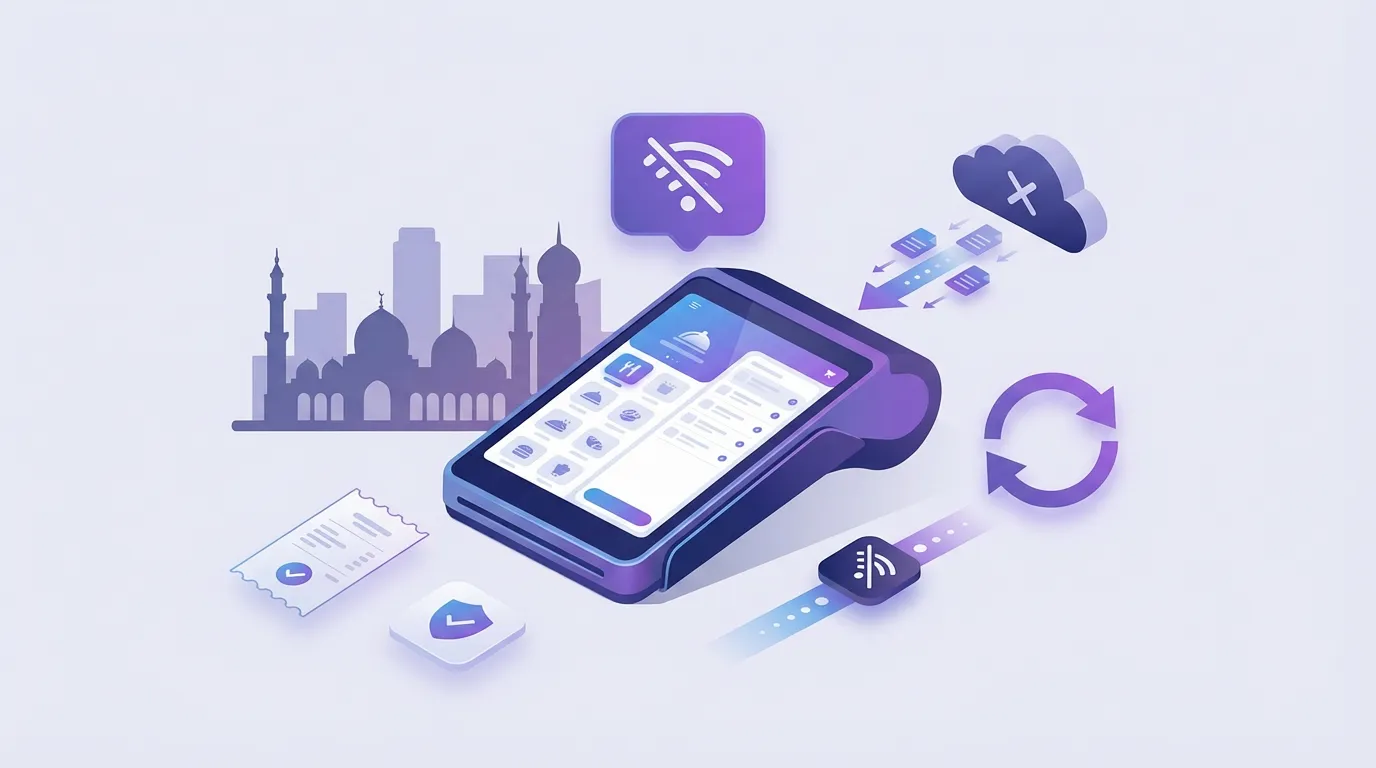
Operators looking for POS without monthly subscription in Egypt usually want predictable branch economics: pay once for daily on-premise operations, then add cloud features only when multi-branch control or delivery integrations justify recurring cost. Sync Local Mode is a one-time purchase for on-premise POS, tables, KDS, and inventory with no internet required for daily work. Cloud Mode adds dashboard, loyalty, Talabat and HungerStation integrations, e-invoicing workflows, and analytics on a monthly subscription. This page explains when each model fits, what to confirm in contracts, and how to upgrade without a painful migration. Contact PlateForm for pricing or visit Sync for product detail. Published dollar amounts require sales approval: use official quotes only.
Two operating modes (approved facts)
| Mode | What you get | Pricing model |
|---|---|---|
| Local Mode | On-premise POS, tables, KDS, inventory. No internet required for daily ops. Owner reports at end of shift. | One-time purchase. Contact for pricing. |
| Cloud Mode | Multi-branch dashboard, loyalty, delivery integrations, e-invoicing, analytics | Monthly subscription. Contact for pricing. |
Approved positioning also states: no hidden fees, no per-transaction charges (from product llms.txt). Confirm in your order form.
When a one-time local license makes sense
Local Mode fits when you:
- Run one or few branches with stable on-site hardware
- Want to cap software cost in a tight margin year
- Need full offline sale completion during ISP issues
- Can accept end-of-shift reporting instead of live central dashboard
When monthly cloud subscription is worth it
Cloud Mode pays back when you need:
- Real-time sales and voids per location
- Branch-level access control
- Loyalty and repeat customer programs at scale
- Delivery platform order management (Talabat, HungerStation, others)
- Central analytics across branches
Upgrade path without data migration pain
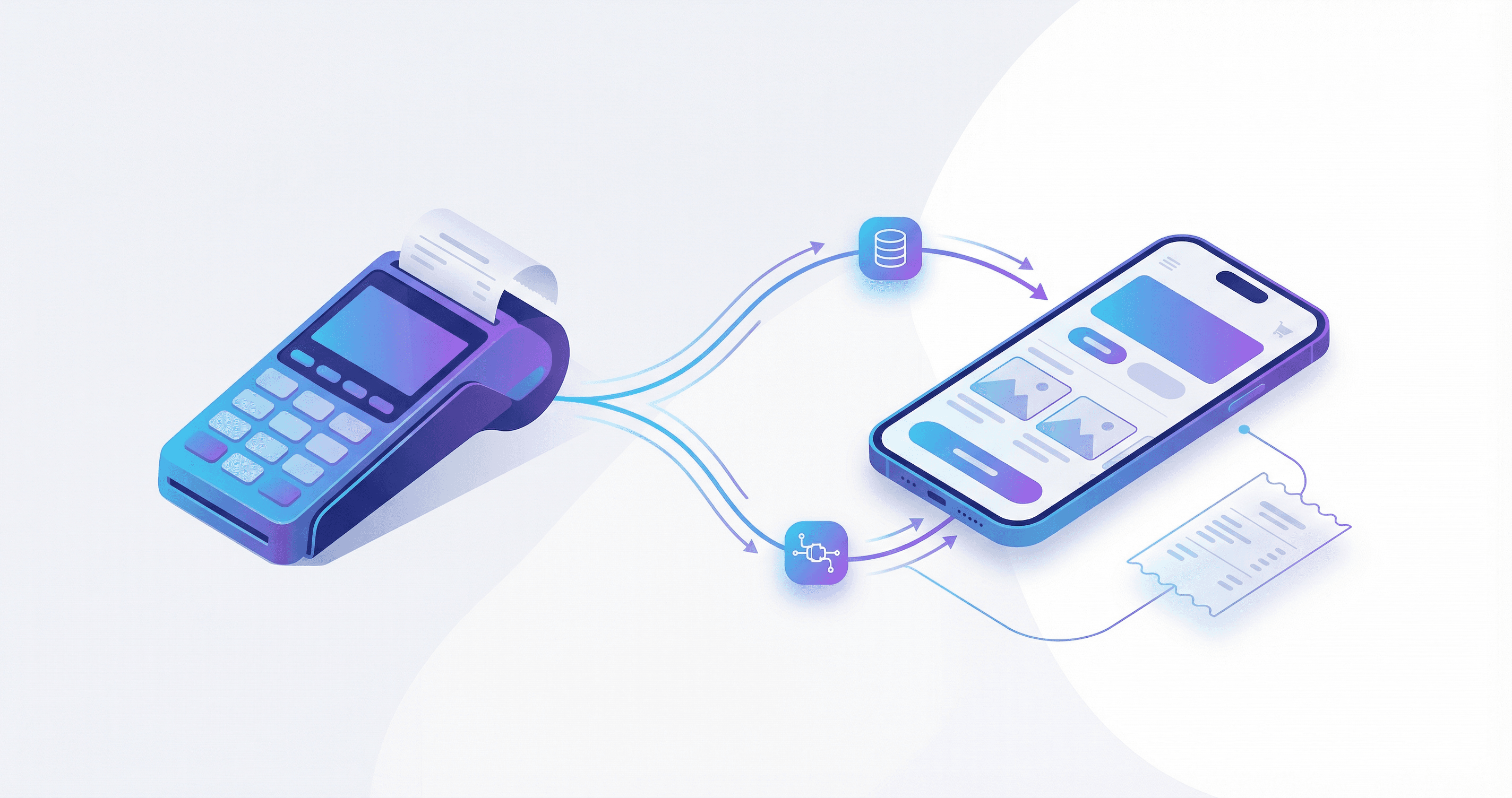
Sync product FAQ states operators can move from Local Mode to Cloud Mode without a full data migration. Validate branch count, menu mapping, and ETA setup with implementation before promising dates to finance.
Plan mode, not brand
Choose Local vs Cloud based on branch governance and integrations, not because one label sounds modern.
Pricing questions to ask any vendor
- What is included in the one-time fee vs what is an add-on?
- Are there per-transaction or per-device surcharges?
- Who pays for support after year one?
- What happens to your data if you stop subscription in cloud mode?
- Can kitchen and cashier devices run if billing portal is down?
How Sync fits
- Local Mode: one-time purchase, on-premise daily stack, offline-first
- Cloud Mode: subscription for multi-branch, loyalty, integrations, analytics
- Performance: sub-200ms native desktop, device sync under 1 second
- Compliance: ETA (Egypt) and ZATCA (Saudi Arabia) e-invoicing built in
- Go-live: typically under 48 hours (setup, migration, training)
Related guides
FAQ
Is Local Mode still supported long term?
Confirm roadmap and support terms in your contract. Sync positions Local as a core mode, not a legacy trial.
Do I need Cloud Mode for ETA?
Confirm during onboarding. Compliance scope should match your legal entity and receipt flow.
Can I run multiple branches on Local Mode only?
Multi-branch dashboard is a Cloud Mode capability. Map your governance needs before buying.
Explore Sync pricing modes or request a quote from PlateForm.