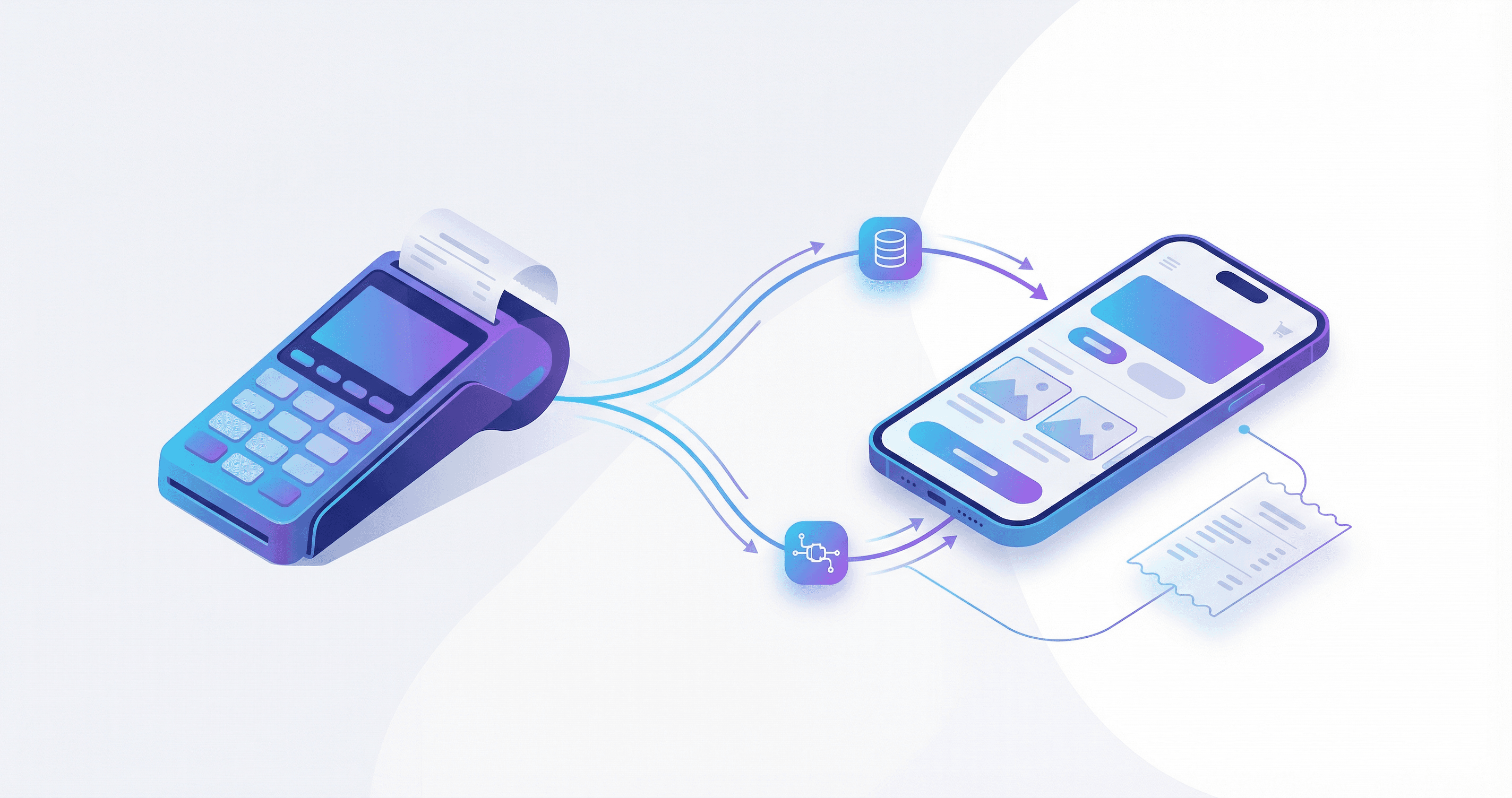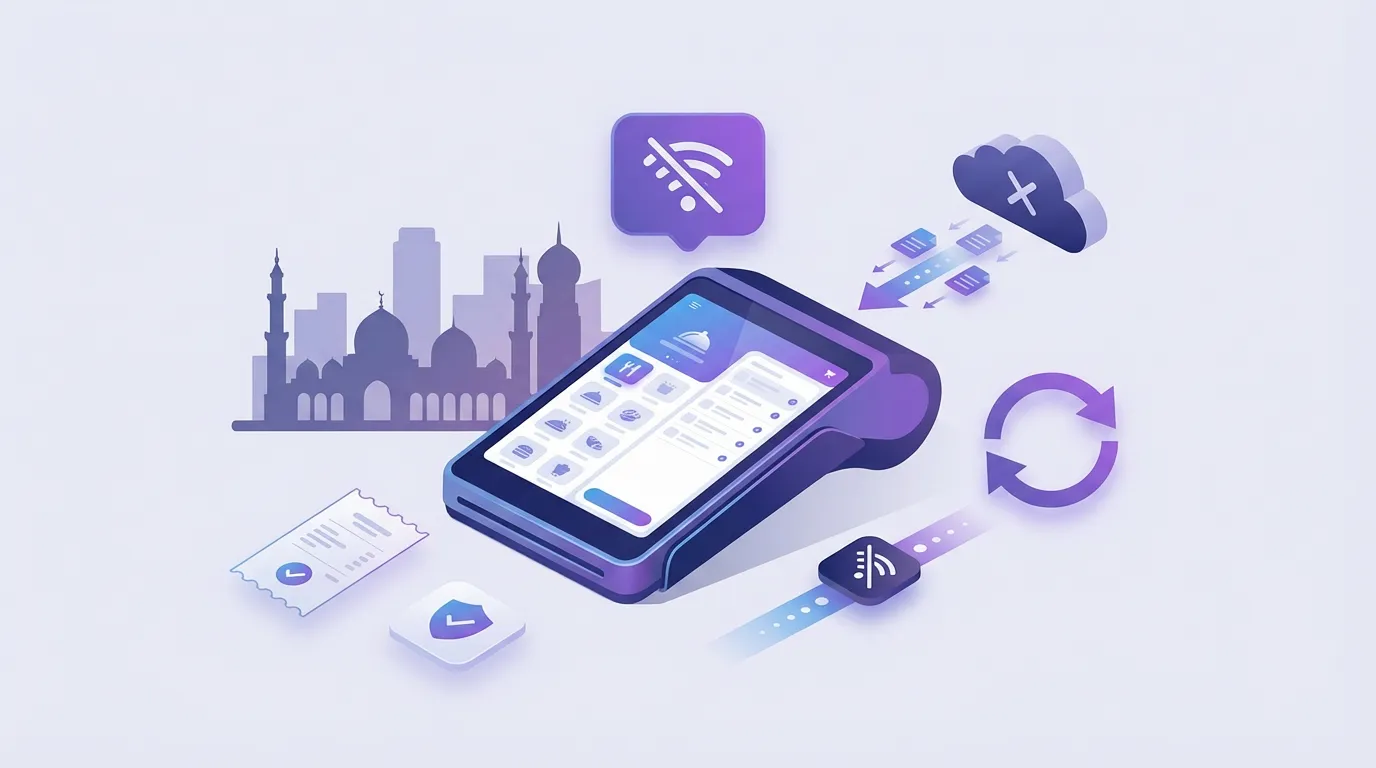
Restaurant owners searching for offline POS in Egypt need more than a marketing label. Offline-first means you can complete a sale, capture payment, print a customer receipt, and route kitchen work without live internet, then sync queued data when connectivity returns with no loss. Sync, by PlateForm, is built for that pattern: native desktop speed under 200ms, device sync under one second, and kitchen tickets that keep printing during outages. This guide explains what to test, what questions to ask vendors, and which failure modes show up on busy weekends. Start on Sync or talk to PlateForm when you want a walkthrough on your menu and hardware.
What offline-first actually means
Three levels get confused in sales calls:
| Level | Behavior | Pass/fail for Egypt ops |
|---|---|---|
| Cached menu | UI loads items offline | Fail if checkout still needs cloud |
| Partial offline | Some actions queue | Fail if payment or KDS stops |
| Offline-first | Full sale + kitchen + receipt offline | Target state for floor reliability |
Do not accept demo Wi-Fi only
Test on your restaurant network, including a forced router reboot during an active order.
Atomic capabilities to require
Works offline
- Continue sales without internet
- Queue orders and payments locally
- Sync automatically when connection returns
- Kitchen tickets keep printing during outages
- Zero data loss on reconnect
Restaurant floor
- Table management and split bills
- Modifiers and takeaway workflows
- Kitchen display system (KDS)
- Sub-200ms native desktop app (not browser-based)
Side-by-side: Sync vs typical cloud-only POS
| Dimension | Sync (offline-first) | Typical cloud-only POS |
|---|---|---|
| Complete sale without internet | Yes (Local + offline architecture) | Often partial or blocked |
| Native desktop app | Yes | Often browser |
| Local / one-time license | Yes (Local Mode) | Rare |
| KDS during outage | Yes (verify hardware map) | Often stops |
| ETA e-invoicing (Egypt) | Built in (confirm setup) | Varies by vendor |
| Arabic RTL | Yes | Varies |
Use this table as a scorecard. Verify each cell with the vendor in writing.
When Sync is the better fit
Sync fits operators who:
- Run single or multi-branch restaurants in Egypt or MENA
- Need predictable cost via Local Mode one-time purchase
- Want Cloud Mode later for dashboard, loyalty, and delivery integrations
- Cannot pause service when connectivity drops
Cloud Mode adds: multi-branch dashboard, loyalty, Talabat and HungerStation integrations, e-invoicing workflows, and analytics.
When to stay flexible on vendor choice
You may prioritize a different stack if:
- You are cloud-only, low volume, and rarely print kitchen tickets
- You already standardized hardware and training on another system with proven ETA setup
- You need a niche retail workflow not yet in your Sync scope (confirm with product before claiming)
Fair evaluation beats a rushed switch during peak season.
Implementation checklist
- Map cashier, kitchen printer, and KDS devices
- Run outage test: order, pay, print, reconnect, reconcile
- Confirm ETA receipt path with finance
- Train a two-minute fallback SOP for staff
- Soft launch on a quieter daypart before full peak
Typical go-live is under 48 hours including setup, migration, and training.
Related guides
FAQ
Is offline POS legal with ETA requirements?
Yes when e-invoicing is built into the operational flow and configured for your entity. Confirm during onboarding.
Does offline mode mean no updates?
No. Updates sync when online. Daily sales should not depend on live cloud for completion.
Can I start local and add cloud later?
Sync supports upgrading from Local Mode to Cloud Mode without full data migration per product FAQ.
Explore Sync or book a demo to test offline behavior on your floor layout.