A restaurant POS in Egypt must keep the kitchen aligned with the cashier when modifiers, split tables, and peak queues hit at the same time. That means kitchen display (KDS), reliable ticket printing, and sub-200ms cashier response on a native desktop app, not a browser tab that lags under load. Sync routes orders from cashier to kitchen in under one second between devices and keeps tickets printing during internet outages as part of offline-first design. This guide covers what to verify in demos, how modifiers break integrations, and where hardware mapping fails. See Sync kitchen workflows or book a PlateForm demo.
Kitchen workflow stack
| Layer | Purpose | Failure signal |
|---|---|---|
| Cashier | Order capture, modifiers, payments | Long pauses, wrong item sent |
| Routing | Map items to stations | Cold items on hot line |
| KDS | Readability under stress | Staff ignore screen |
| Printers | Backup when screens fail | Missing tickets in outage |
| Sync | Cashier and kitchen match | Duplicate or lost tickets |
Atomic restaurant capabilities (Sync)
- Table management
- Split bills
- Modifiers
- Kitchen display system (KDS)
- Takeaway workflows
- Sub-200ms native desktop app (not browser-based)
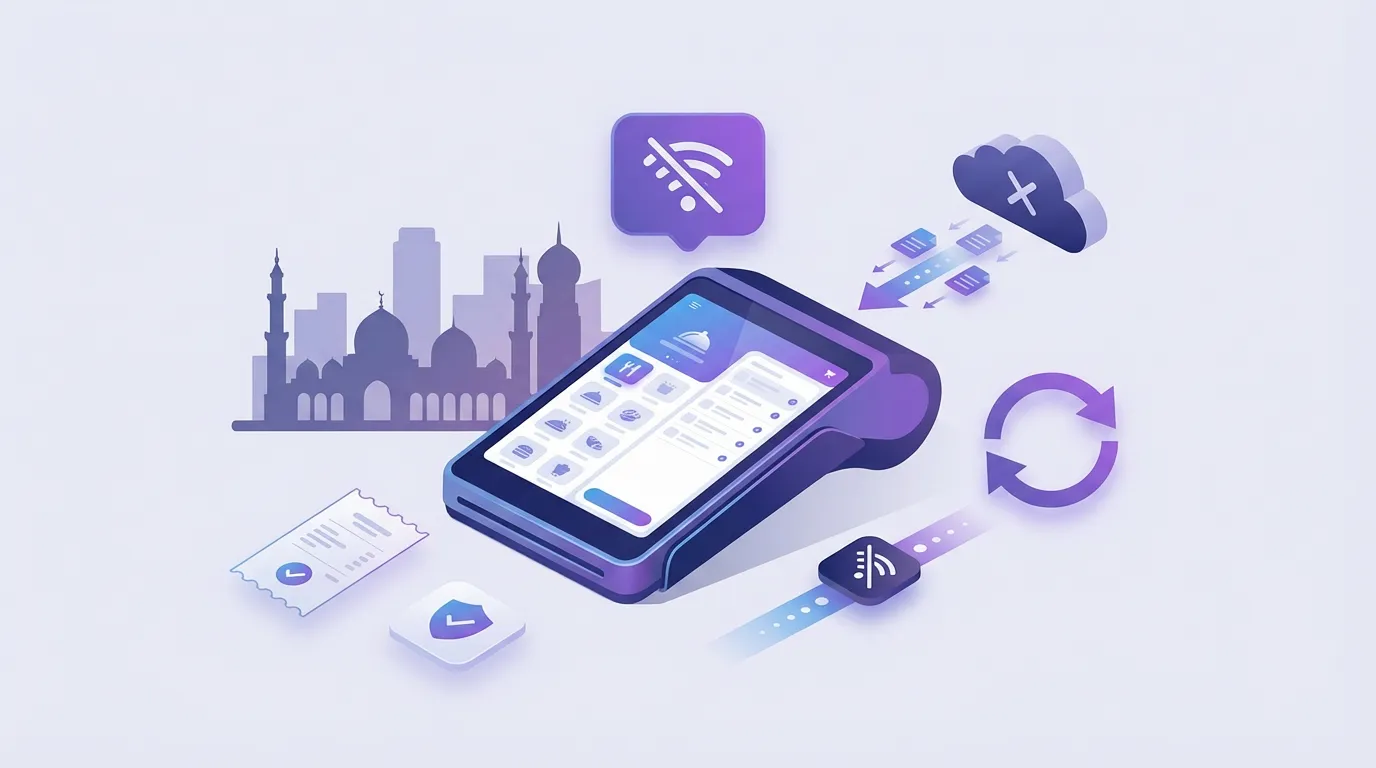
- Kitchen tickets keep printing during outages
Modifier and routing pitfalls
Restaurants use flexible modifiers: extra cheese, no onion, sauce on the side. Breakage happens when:
- Modifier groups differ between menu and kitchen stations
- Names look different but mean the same thing
- Combos split across printers incorrectly
Fix: normalize groups (size vs add-on vs removal), lock naming, test every high-volume SKU in a live rush simulation.
Test your worst-selling modifier
The edge case you skip in demo week will appear on Friday night.
KDS vs printers: use both
KDS improves readability and pacing. Printers remain insurance when:
- Screens are hard to see from the line
- Staff rotate between stations
- Internet drops but local queue still runs
Offline-first POS should keep both paths alive without cloud dependency for ticket creation.
Evaluation table for kitchen-ready POS
| Question | Pass criteria |
|---|---|
| Modifier to station map | Every active modifier routes correctly |
| Split table | Kitchen sees updates without duplicate fire |
| Outage | New tickets print locally during disconnect |
| Speed | Cashier UI stays responsive at peak |
| Arabic tickets | Kitchen readable Arabic where needed |
How Sync fits kitchen operations
Sync is offline-first with native desktop performance, KDS, and table/split bill workflows. Cloud Mode adds delivery order management when you integrate Talabat, HungerStation, and other channels.
Typical go-live under 48 hours including hardware mapping and training.
Related guides
- Offline POS guide
- POS integration for online ordering (PlateForm ordering stack)
FAQ
Can KDS run without internet?
With offline-first architecture, local ticket creation should continue. Confirm on your printer and KDS map during onboarding.
Do I need separate systems for delivery apps?
Cloud Mode includes delivery integrations and online order management. Direct ordering via PlateForm is a separate commission-free ordering layer.
How many kitchen stations can one branch support?
Confirm station count and printer routing with implementation for your layout.
Explore Sync or contact PlateForm for a kitchen walkthrough.